WCH80
BabyPC
ZX80
computer clone with CH32V002 processor
Version 1.0; Last update:
9/20/2025
WCH80 on GitHub: https://github.com/Panda381/WCH80
WCH80 part of library CH32LibSDK
Library CH32LibSDK on
GitHub: github.com/Panda381/CH32LibSDK
Contents
Description
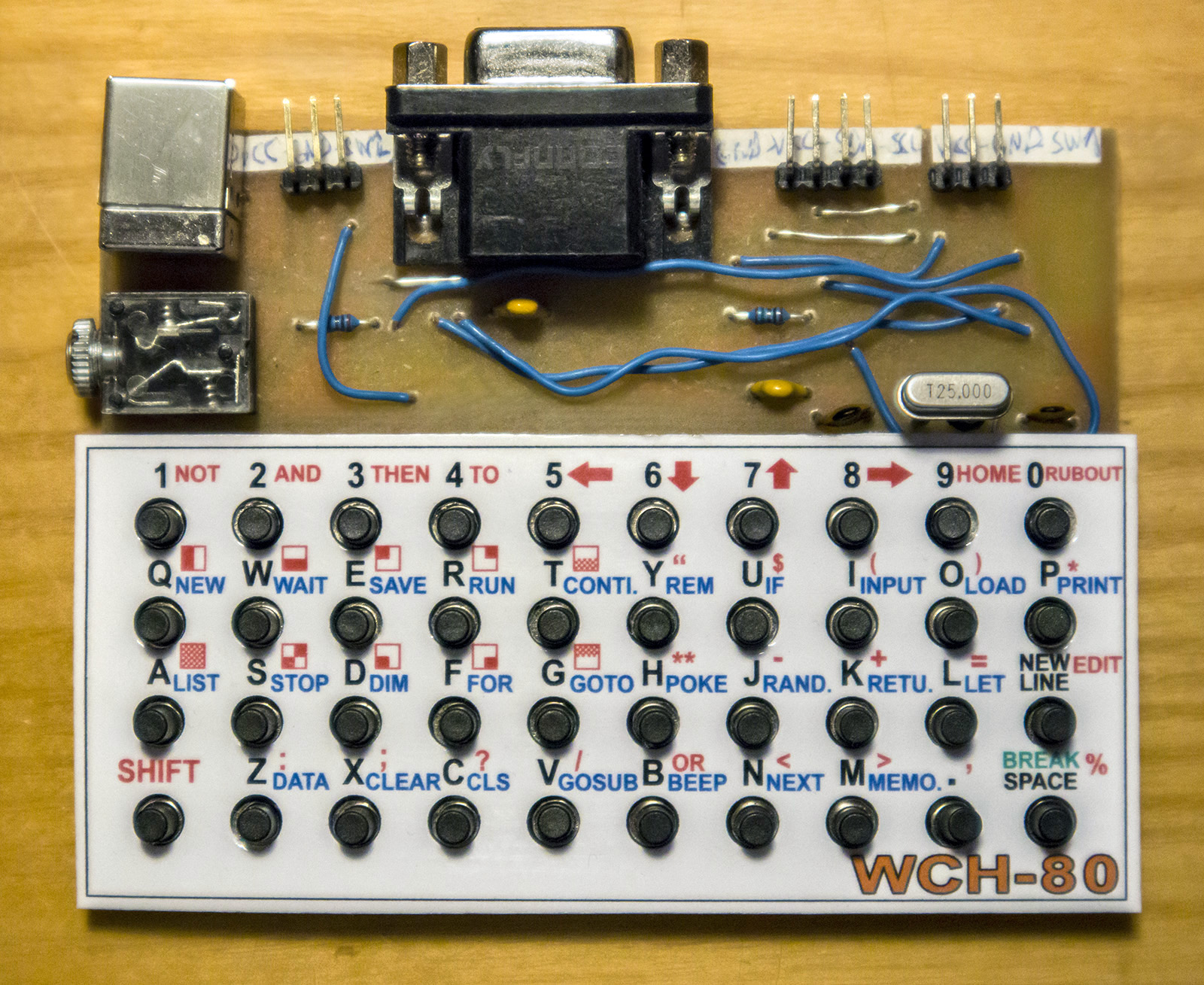
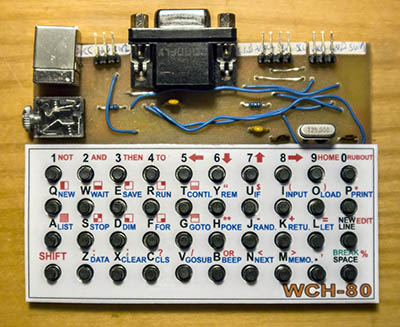
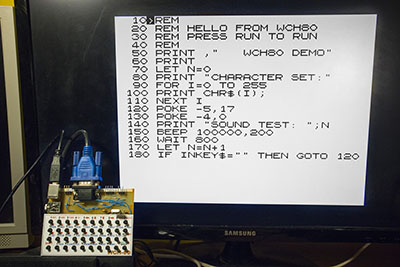
The WCH80 BabyPC is an
inexpensive mini-computer with two CH32V002 processors, created
based on the ZX80 computer. It is not an emulator; the computer
does not emulate the ZX80 computer's ROM, nor does it emulate Z80
machine instructions. It was created as a completely independent
computer with the BASIC80 programming language and VGA monitor
output, only replicating the ZX80's functionality as closely as
possible. It uses a CH32V002A4M6 processor, which, thanks to its
large 1.27 mm pin pitch, is suitable for easy soldering even for
novice designers. Together with other THT components, the WCH80
is particularly suitable as a kit for novice designers. The
built-in BASIC80 programming language is used to familiarize
users with computer programming and to try out how programmers
programmed in the 1980s.
The computer does not contain a storage
medium for saving programs. Your own programs can be saved
directly to the processor's flash memory. There are 14 memory
slots available, i.e. 14 places to store your own programs,
numbered 0 to 13. Slot 0 is located in the main CPU1 processor.
When stored in slot 0, data variables are also stored along with
the program (more precisely, only the first half of the memory
with variables). Slot 0 is automatically loaded into the program
memory when the computer is turned on. Memory slots 1 to 13 are
located in the second processor, CPU2. All slots allow the entire
memory with the program to be stored, except for the last slot
13, which is only half the size.
After initial programming, the processors
contain 28 sample programs and games written in BASIC80. Once the
processors have been programmed, the programmer is no longer
needed, but it can be useful if you want to back up the contents
of the processors to a PC or if you want to change program
versions. Using slot 0, programs can also be transferred between
the processors' memory backups by copying between the CPU1 and
CPU2 processors.
In addition to the BASIC80 firmware, games
and programs written in C can also be uploaded to the computer
using a programmer. There are 25 sample games available. The
games can be found in the CH32LibSDK library. However, it is
important to remember that reprogramming the CPU1 processor will
also overwrite the contents of slot 0. The contents of slots 1 to
13 in CPU2 will not change when games are loaded. For games in C
code, the following keys are usually used for control: 8,
F=right, 7, E=up, 5, S=left, 6, D=down, A, space=action, B, NEW
LINE=alternative action, X, P=info, Y, 0=back.
Differences between WCH80 and ZX80:
- Image output to a VGA monitor (instead
of a TV).
- Fixed size of memory buffers: 768 B
for the image buffer, 1 KB for the program, 1 KB for data
variables (instead of 1 KB for everything).
- Z80 machine code and the USR() user
function are not supported.
- Numerical calculations and variables
are 32-bit (instead of 16-bit).
- All variable types can use long names,
including the dot character (in ZX80, long names are only
for numerical variables).
- Program storage in flash memory slots
(instead of on tape).
- Sound output for playing tones and
melodies.
- Added functions MEMORY, DATA, READ,
WAIT, BEEP, INKEY$.
- The program line number can be in the
range 1 to 65534.
- Different functionality of the POKE
and PEEK commands.
- Percent sign % instead of pound sign
in the image generator.
- I2C interface available, but only from
programs in C code, not available from BASIC80.
- No expansion connector for external
modules available.
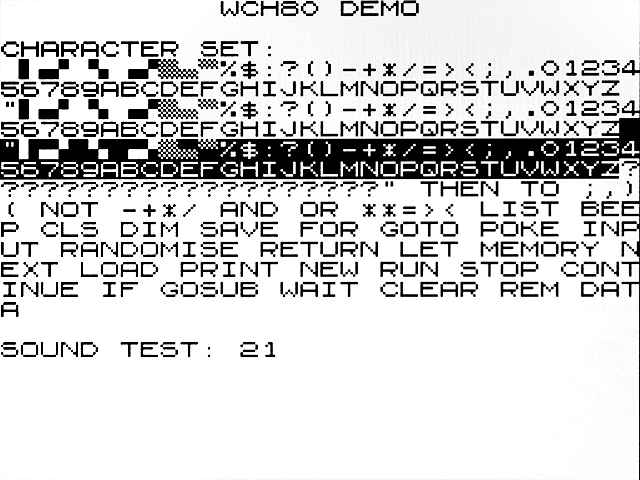
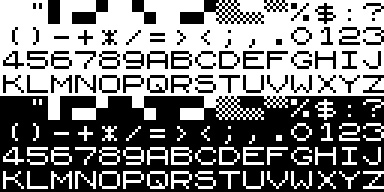
WCH80 character set:
Wiring diagram
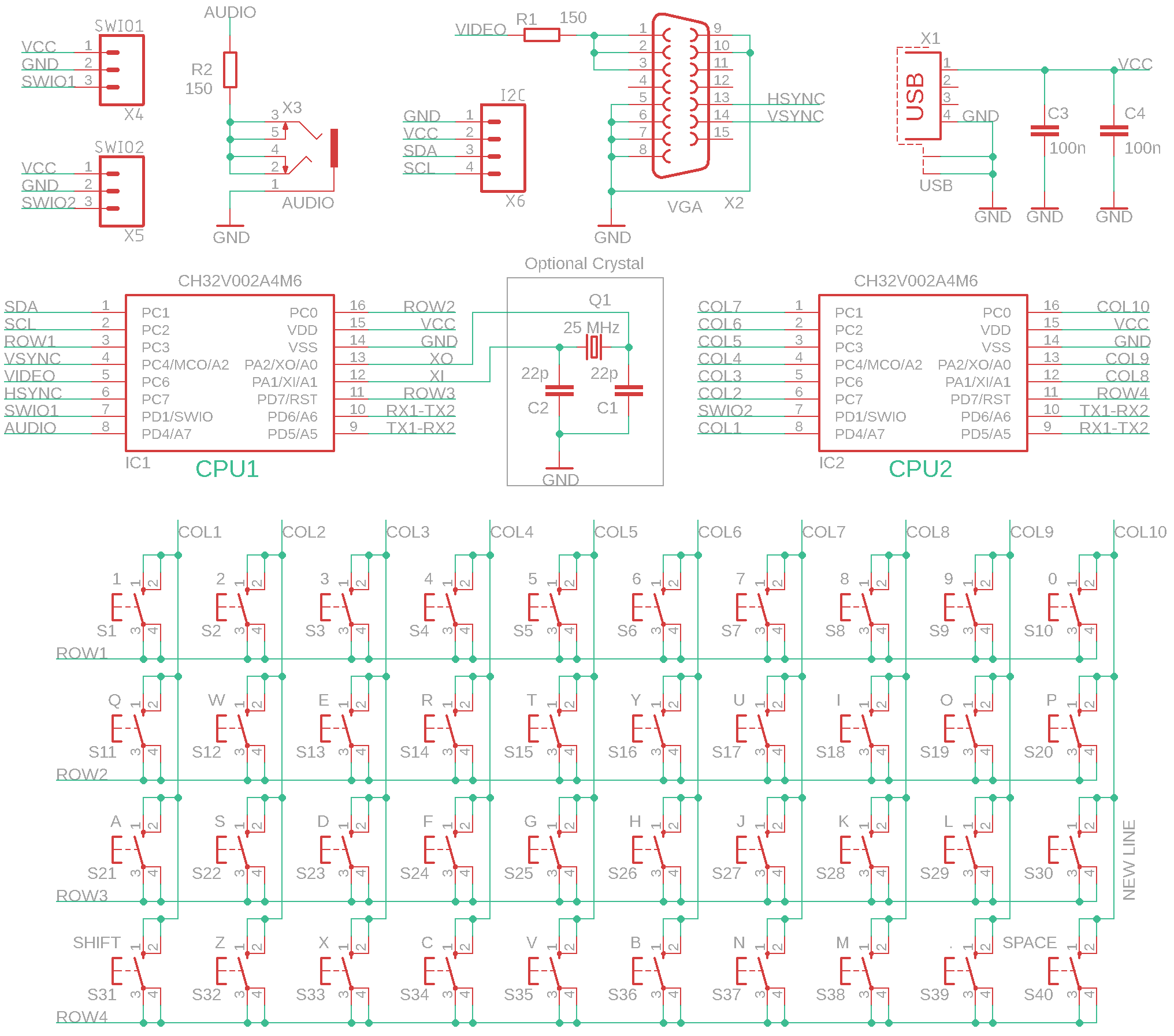
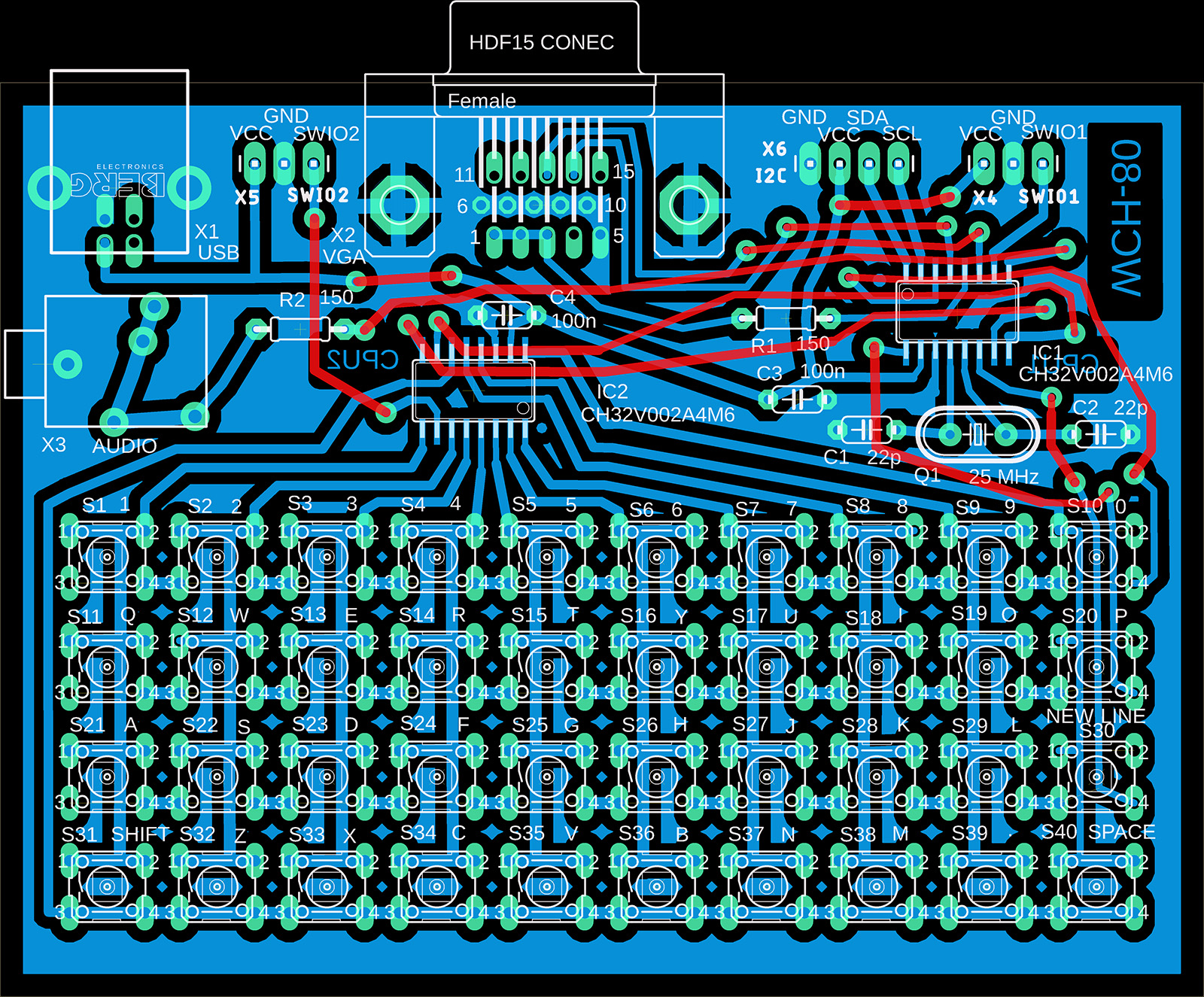
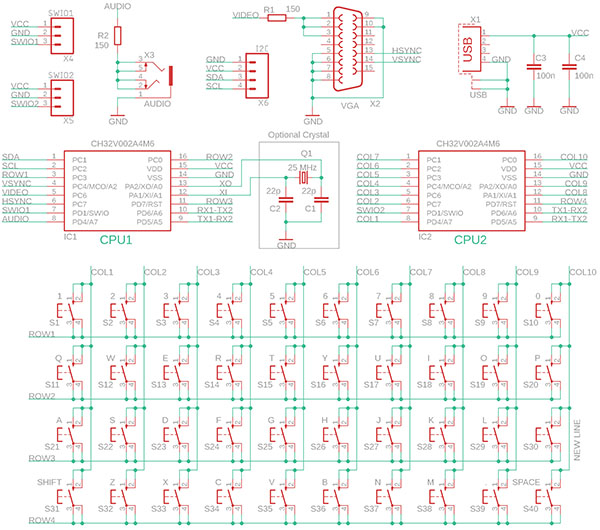
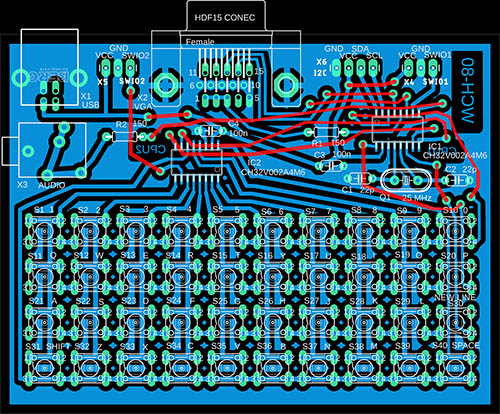
The WCH80 contains two CH32V002A4M6
processors. The first processor, CPU1, is the main processor. It
contains BASIC80 or programs and games. If it contains BASIC80,
the last 1.5 KB of flash memory is reserved for storing the
program and data, as memory slot 0. The processor is controlled
by a 25 MHz crystal. The crystal (and the corresponding
capacitors) may not be necessary to use - in that case, the
processor will use an internal HSI oscillator, which, however,
may not have sufficient stability - this will manifest itself as
a slight shaking of the video lines in the image.
The second processor, CPU2, is used to
control the key matrix and to store programs, such as memory
slots 1 to 13. The processors communicate with each other via the
USART interface. After programming the CPU2 processor, it is
necessary to reset the computer by disconnecting the power supply
so that the processors can establish a connection with each
other. The CPU1 processor is programmed via the SWIO1 connector,
and the CPU2 processor via the SWIO2 connector. After the initial
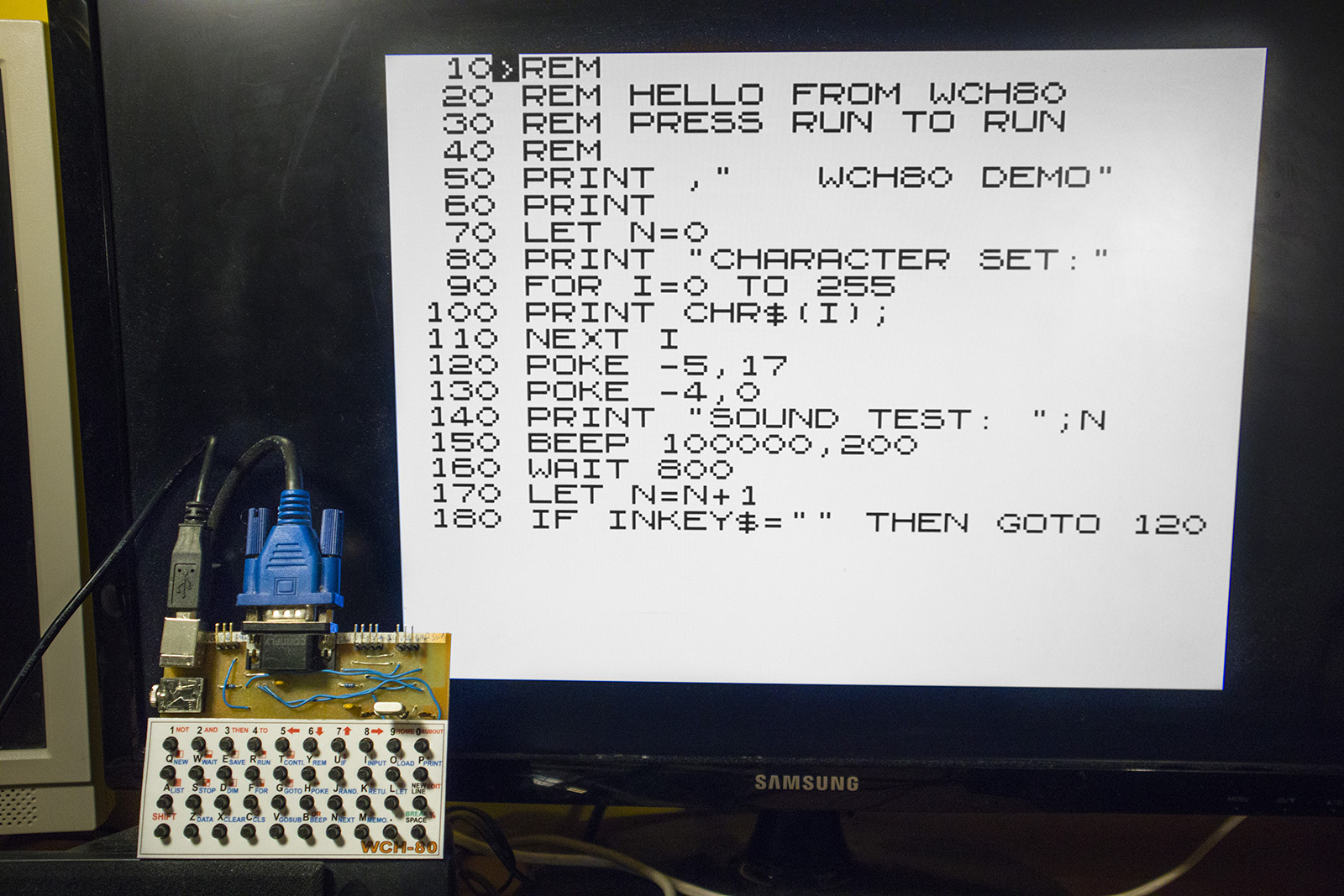
programming of the processors, the sample program in slot 0 can
be used to check functionality. After turning on the power, press
the R (=RUN) and NEW LINE buttons. This can be done even without
a monitor connected. The audio output should emit a beep at
1-second intervals.
Construction
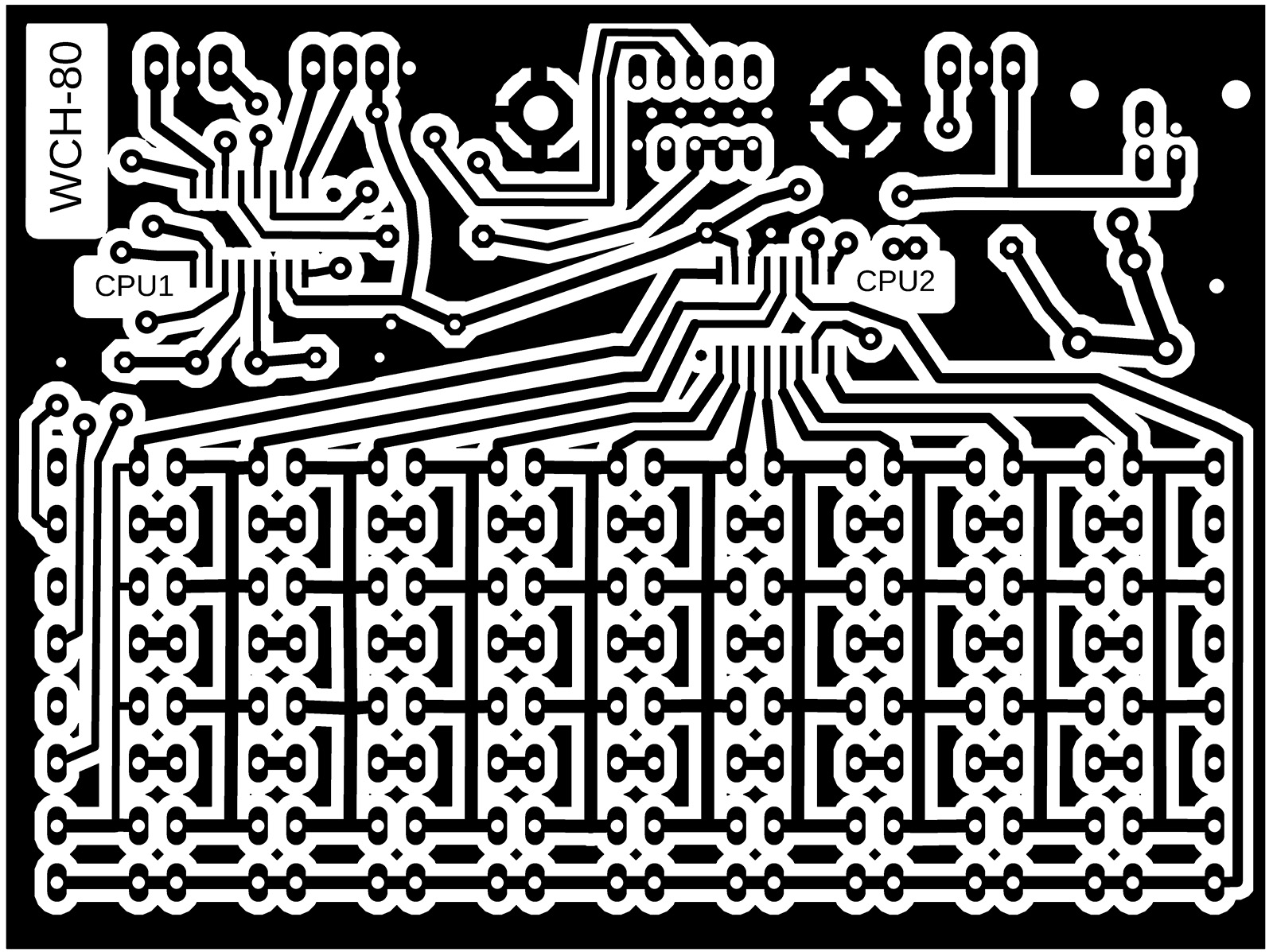
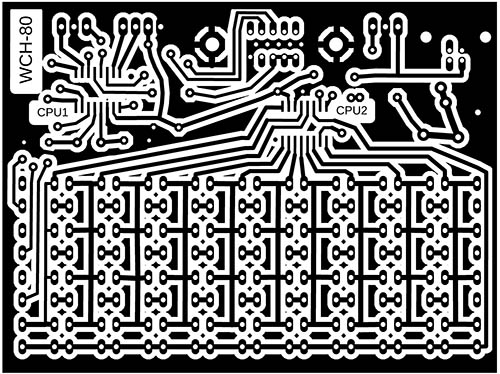
In the prototype, I used a single-sided
printed circuit board manufactured using a photo process with
dimensions of 10x7.5 cm (limitation of the free version of
Eagle), so it is not certain whether the design is also ready for
custom production of printed circuit boards. I used THT
components to make assembly easier, including a large USB-B
connector. Instead of the top side of the printed circuit board,
I used wires. When programming processors, pay attention to the
correct pin assignment. I used a socket for the crystal - just so
I could test the functionality without the crystal. Micro
switches with low actuation force are used as buttons.
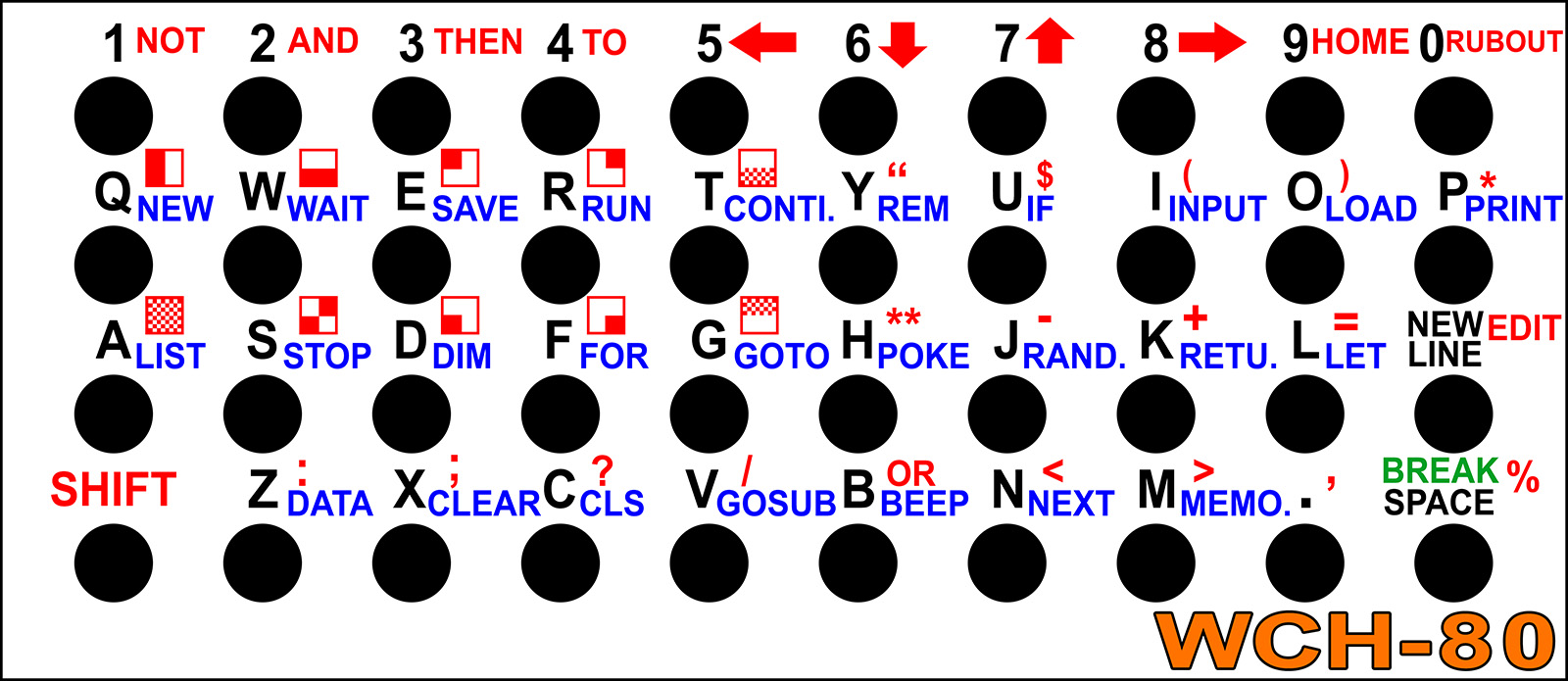
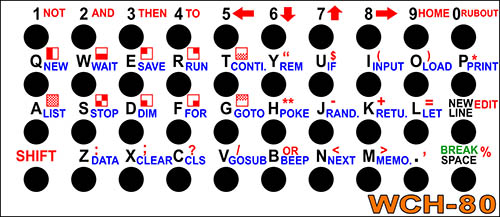
I printed the button labels on an inkjet
printer on plain paper, covered both sides with transparent
adhesive tape, and cut out the holes for the buttons with a 4 mm
leather punch. For the final design, you will probably use a
printed circuit board with holes and button labels as the top
cover.
Description of the
WCH80 BASIC80 language
WCH80 BASIC80 is almost identical to ZX80
BASIC, except for a few differences. Program editing takes place
in RAM memory. The maximum program size is 1 KB. Data variables
are stored in a separate buffer in RAM memory, also with a size
of 1 KB. The screen buffer has a fixed size of 768 bytes (24
lines of text with 32 characters each).
The program line number can be in the range
of 1 to 65534. Calculations are performed with 32-bit integers in
the range -2147483648 to +2147483647 (note: the constant
-2147483648 cannot be entered numerically, but is used in
calculations). Variable names of all types can be between 1 and
63 characters long. The first character must be a letter.
Subsequent characters can be letters, digits, and periods. A
period can be used as a word separator. Variables can be of the
following types:
- integer variable
- text variable with a $ sign after the
name
- numeric array with a parenthesis '('
after the name, the array index can be max. 255
The result of comparison operators is the
number 0 (= condition not met) or -1 (= condition met, in HEX
code this is the number 0xFFFFFFFF). The operators AND, OR, and
NOT can be used as logical operators or as bitwise operators.
Keys for editing the program:
- EDIT ... (Shift+NEW
LINE) load the selected line into the editor
- LEFT ... (Shift+5)
move the cursor to the left
- DOWN ... (Shift+6)
move the cursor to the next line
- UP ... (Shift+7) move
the cursor to the previous line
- RIGHT ... (Shift+8)
move the cursor to the right
- HOME ... (Shift+9)
move the cursor to the beginning of the program
- RUBOUT ... (Shift+0)
delete the character before the cursor
- NEW LINE ... end
editing, execute the command, or save the line to the
program (if it contains a line number at the beginning)
Operations, sorted by highest priority:
- ** ... (10) (Shift+H)
power
- - ... (9) (Shift+J)
negation (unary minus)
- * ... (8) (Shift+P)
multiplication
- / ... (7) (Shift+V)
division (integer result)
- + ... (6) (Shift+K)
sum
- - ... (6) (Shift+J)
difference
- = ... (5) (Shift+L)
comparison of numbers and texts for equality
- < ... (5)
(Shift+N) comparison of numbers and texts for lesser than
- > ... (5)
(Shift+M) comparison of numbers and texts for greater
- NOT ... (4) (Shift+1)
bitwise and logical inversion (unary operation)
- AND ... (3) (Shift+2)
bitwise and logical product
- OR ... (2) (Shift+B)
bitwise and logical sum
Beware that multiplication has higher
priority than division.
Commands - can only be at the beginning of
a line or after the THEN command, and are invoked by pressing the
letter:
- LIST ... (A) Lists
the program from the specified line. Without specifying a
line number, lists from the beginning.
- BEEP ... (B) Plays a
tone. The first numerical parameter is the tone frequency
in multiples of 0.01Hz. The number 0 ensures a delay. The
second parameter is the tone length in milliseconds. For
example, BEEP 100000,1000 plays a tone with a frequency
of 1 kHz and a length of 1 second.
- CLS ... (C) Clears
the screen.
- DIM ... (D) Array
declaration. This is followed by the name of the variable
and the maximum index 0 to 255 in parentheses. For
example, entering DIM A(255) declares an array with 256
items, index 0 to 255.
- SAVE ... (E) Saves
the program to a slot in flash memory. This is followed
by the slot number 0 to 13. If no slot number is entered,
slot 0 is used. Slot 0 is in the main CPU1 processor.
Slots 1 to 13 are in the second CPU2 processor. All slots
are 1 KB in size (i.e., they can hold the entire
program), except for slot 13, which is only 512 bytes in
size. When a program is saved to slot 0, the data
variables are also saved at the same time - but only up
to a buffer size of 512 bytes. Data is not saved for
other slots. When the computer is started, the program
from slot 0 is automatically loaded into the program
memory.
- FOR ... (F) Start of
the cycle. This is followed by the name of the variable,
an equal sign, and the initial value. The TO
command is followed by the end value. After each pass
through the cycle, the NEXT command
increases the value of the variable by 1 until it exceeds
the end value.
- GOTO ... (G) Jump to
the specified line number. An expression can also be
specified to jump to different locations. By entering it
directly (not in the program), the program can be run
without deleting variables, thus continuing the stopped
program.
- POKE ... (H) Writes
data to system registers. This is followed by an address
and a value. Unlike ZX80 and other BASIC languages, this
is not a memory address, but a register number. The
address has the following meaning: 0 to 767: image
memory, -1: image frame counter (can be used as a timer
with a frequency of 60 Hz), -2: SEED register of the
random number generator, -3: timer incremented by 20 ns
(i.e., frequency of 50 MHz), -4: position on the X screen
(0 to 32), -5 line on the Y screen (0 to 23).
- INPUT ... (I) User
input. Followed by the name of the target numeric or text
variable.
- RANDOMISE ... (J)
Initialization of the random number generator with the
specified number. Entering 0 or omitting the parameter
performs automatic initialization to a random value.
- RETURN ... (K) Return
from the procedure.
- LET ... (L) Setting
the content of a variable. Followed by the name of the
variable, an equal sign, and an expression.
- MEMORY ... (M)
Displays RAM memory usage. Lists 4 values: occupied
program memory, free program memory, occupied data
memory, and free data memory.
- NEXT ... (N)
Continues the cycle for the specified variable. Followed
by the name of the numeric variable. The command
increments the variable and, if the target value has not
been reached, jumps to the corresponding FOR
function.
- LOAD ... (O) Loads
the program from a slot in the flash memory. This is
followed by the slot number 0 to 13. If no slot number is
specified, slot 0 is used. Slot number 0 is in the main
CPU1 processor. Slots 1 to 13 are in the second CPU2
processor. All slots are 1 KB in size (i.e., they can
hold the entire program), except for slot 13, which is
only 512 bytes in size. When loading a program from slot
0, the data variables are also loaded at the same time,
but only up to a buffer size of 512 bytes. The data for
other slots is not restored. When the computer is
started, the program and data from slot 0 are
automatically loaded into the program memory.
- PRINT ... (P) Prints
the value of a numerical expression or text. The ';'
character ensures continuation without a space, the ','
character indents after 8-character tab positions. If
neither the ';' nor the ',' character is specified at the
end of the PRINT command, new line is inserted.
- NEW ... (Q) Deletes
the program and variables.
- RUN ... (R) Runs the
program from the specified line. If no line number is
specified, the program starts from the beginning. At the
same time, it deletes the variables.
- STOP ... (S) Stops
the program. You can continue with the CONTINUE
command.
- CONTINUE ... (T)
Continues the program from where it was interrupted by
the STOP command.
- IF ... (U) Condition.
THEN is followed by a command executed
if the condition or expression is true. The expression is
valid (True) if it is not zero.
- GOSUB .. (V) Jump to
a procedure. The procedure returns with the RETURN
command to the line following GOSUB.
- WAIT ... (W) Waits
for the specified time in milliseconds.
- CLEAR ... (X) Clears
variables.
- REM ... (Y) Comment.
- DATA ... (Z) List of
data. Numeric constants or numeric expressions separated
by commas follow. Text cannot be used. Data is read from
the list using the READ command.
Special commands:
- " ... (Shift+Y)
Quotation mark, indicates the beginning and end of text.
- THEN ... (Shift+3)
Part of the IF condition, indicates a
command executed when the condition is met.
- TO ... (Shift+4) Part
of the FOR loop, indicates the end value
of a variable.
- ; ... (Shift+Z) Part
of the PRINT command, continues printing
from the last position.
- , ... (Shift+.) Part
of the PRINT command, continues printing
from the tab position.
- ( ) ... (Shift+I,
Shift+O) Parentheses.
Functions - functions must be written in
text form, they do not have keyboard shortcuts:
- PEEK ... Reads the
contents of the system register. The address follows in
parentheses. Unlike ZX80 and other BASIC languages, this
is not a memory address, but a register number. The
address has the following meaning: 0 to 767: image
memory, 3584 to 4095: fonts, -1: image frame counter (can
be used as a timer with a frequency of 60 Hz), -2: SEED
register of the random number generator, -3: timer
incremented by 20 ns (i.e., frequency 50 MHz), -4:
position on the screen X (0 to 32), -5 row on the screen
Y (0 to 23).
- CHR$ ... Conversion
of a character number to a text character.
- CODE ... Conversion
of a text character (first character of text) to a
numeric code.
- RND ... Random number
generator, generates a number from 1 to the specified
maximum number. Returns 1 for 0 and negative numbers.
- TL$ ... Returns text
without the first character.
- STR$ ... Conversion
of a number to text.
- ABS ... Absolute
value of a number.
- INKEY$ ... Returns a
character from the keyboard as text. Empty text means
that no key was pressed.
- READ ... Returns data
from the DATA table. The command is used
differently than is usual in other BASIC languages. It is
not used as a command with a variable, but is used in a
numeric expression as a function (without parentheses).
Returns the value from the expression in the DATA table,
according to the current data read pointer. Expressions
can also contain variables, so the data may vary during
the program. When the pointer reaches the end of the
program, it automatically resets to the beginning.
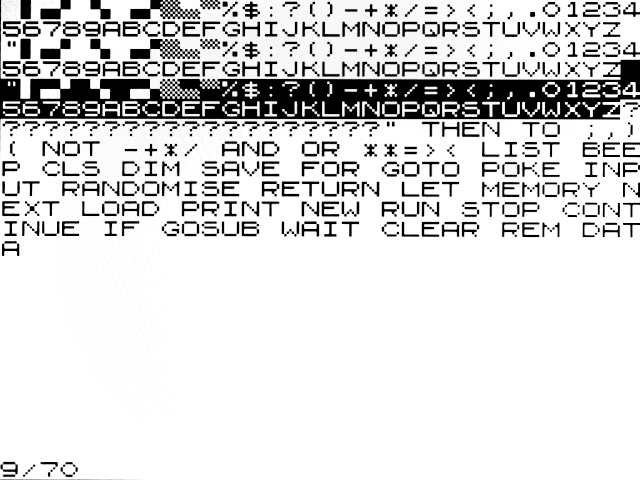
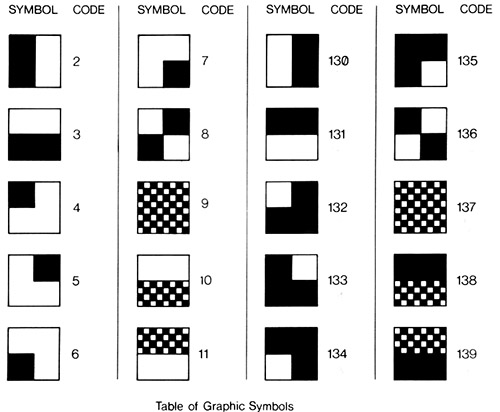
Table of graphic symbols and their codes,
as they can be entered in the CHR$(n) function:
Sample programs
Sample programs are stored in flash memory
in memory slots 0 to 13 until they are overwritten by a user
program. The contents of the programs can be found in the Programs.txt file, along with their detailed descriptions, or
click on the title below the image.
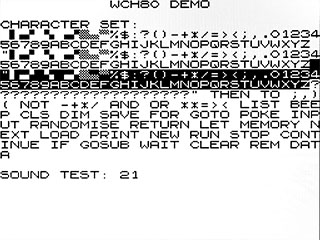
1) WCH80
demo (212 B)
To use: LOAD, RUN |
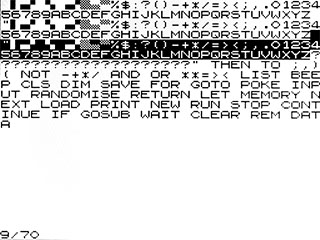
2) PRINT
CHARSET (57 B)
To use: LOAD 1, RUN |
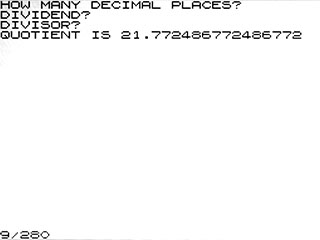
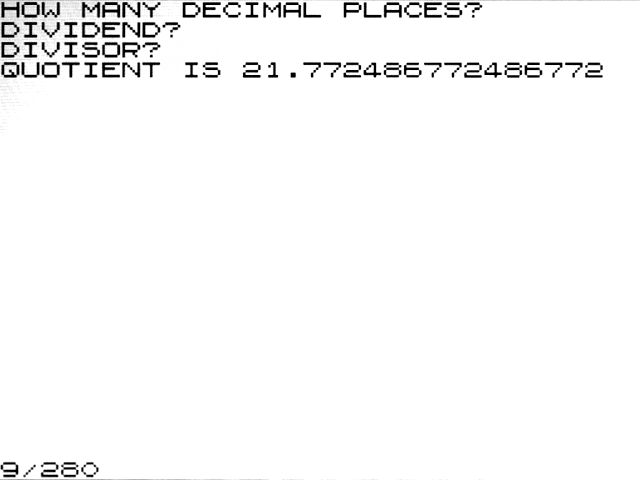
3) PRECISE
DIVISION (197 B)
To use: LOAD 1, RUN 100 |
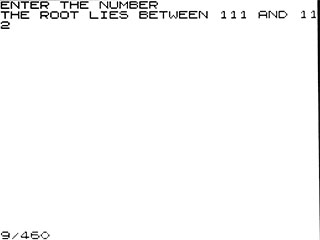
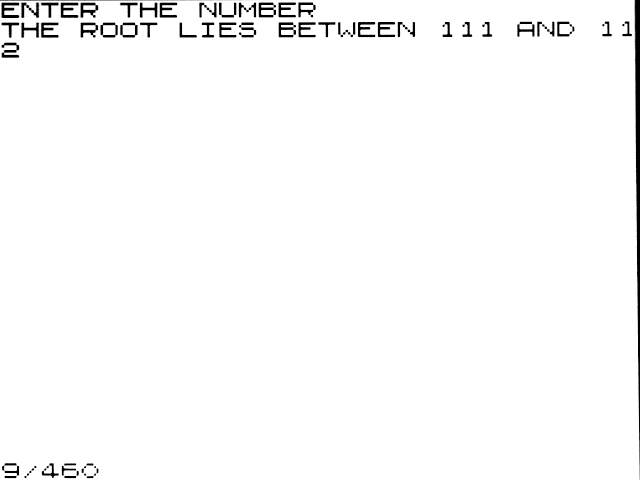
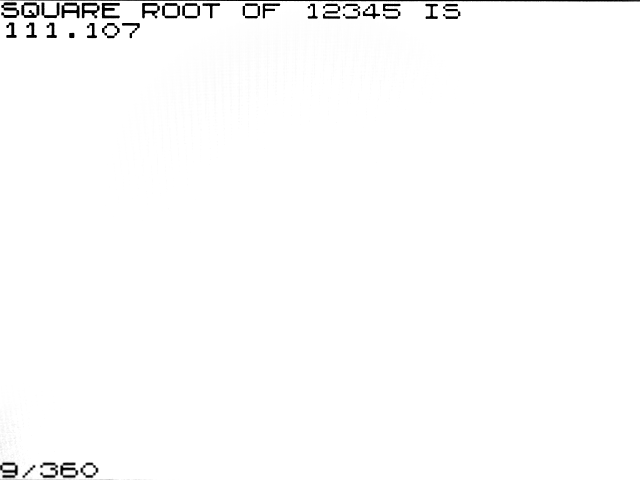
4) SQUARE
ROOT (188 B)
To use: LOAD 1, RUN 300 |
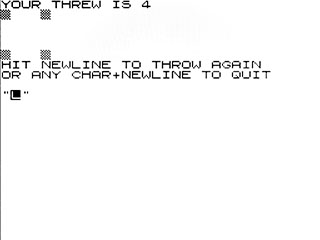
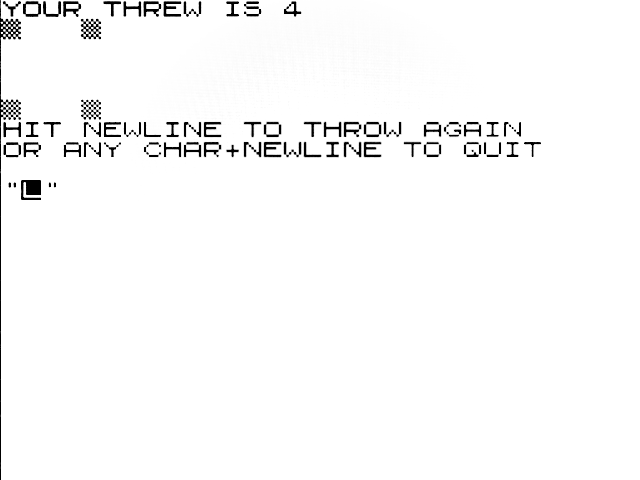
5) DIE
THROWING (440 B)
To use: LOAD 1, RUN 500 |
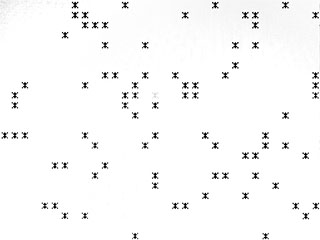
6) SNOWFALL (117 B)
To use: LOAD 1, RUN 1100
Break with SPACE |
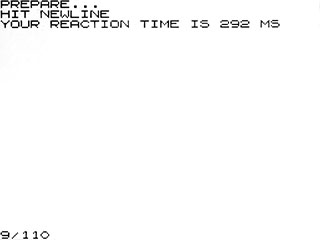
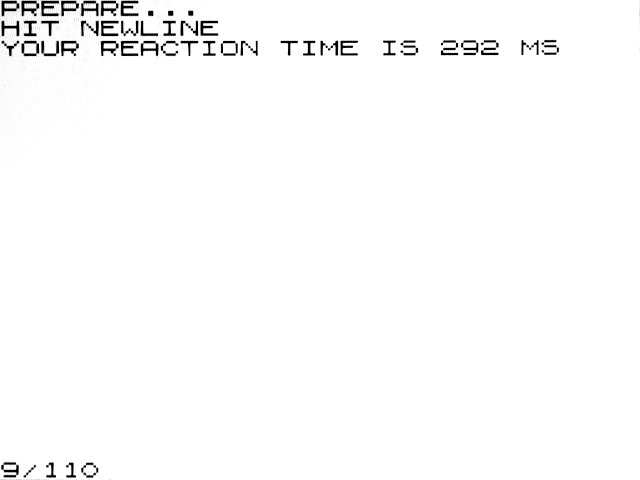
7) REACTION
TIMER (153 B)
To use: LOAD 2, RUN |
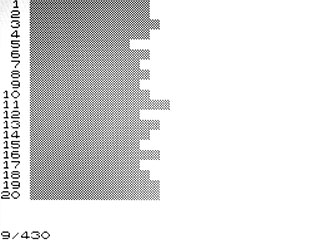
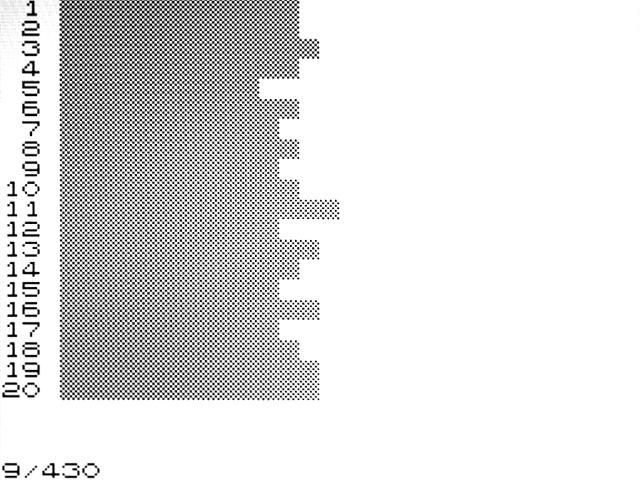
8) RND
HISTOGRAM (230 B)
To use: LOAD 2, RUN 200 |
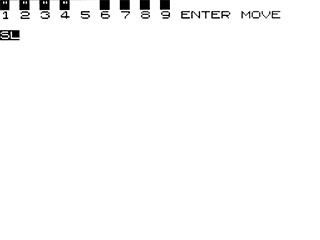
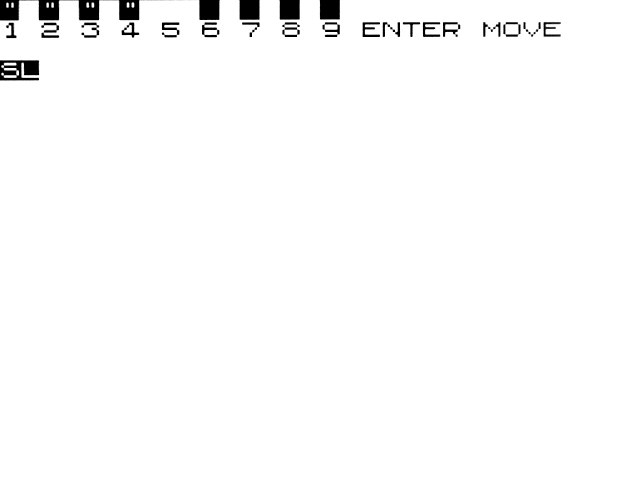
9) LEAP
FROGS (487 B)
To use: LOAD 2, RUN 500
The goal is to swap the frogs between the left
and right sides. |
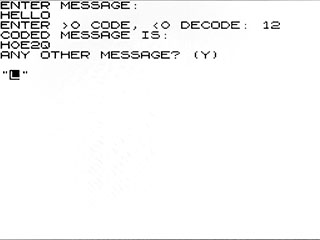
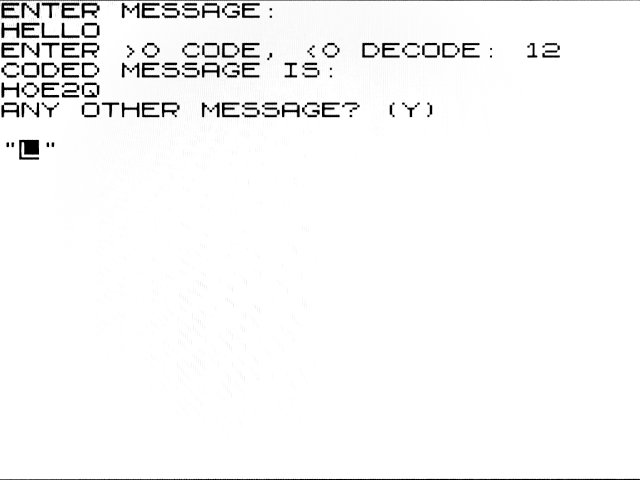
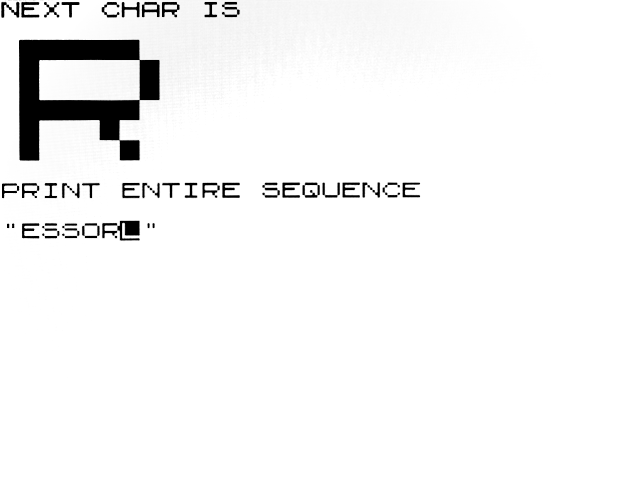
10) ENCODING
MESSAGE (375 B)
To use: LOAD 3, RUN
Encode with number 1.., decode with negative
number. Message can contain only alphabetic
characters or digits or space. |
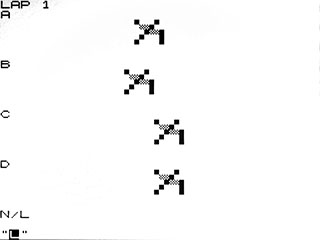
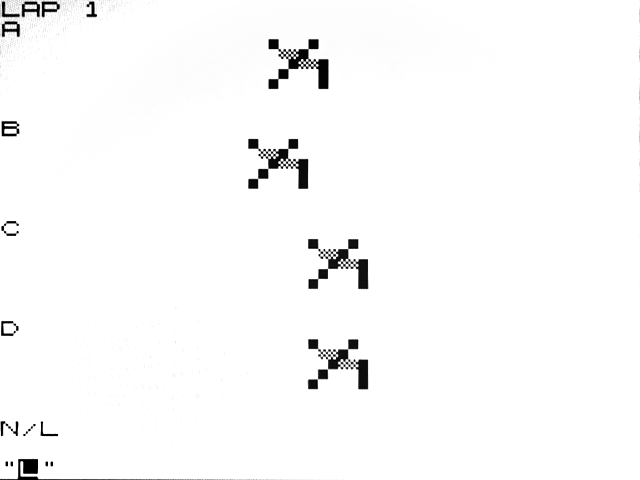
11) HORSE
RACE (602 B)
To use: LOAD 3, RUN 400 |
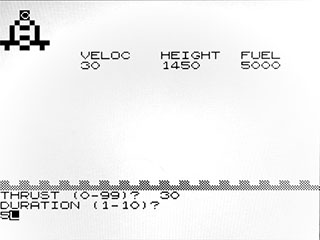
12) LUNAR
LANDER (617 B)
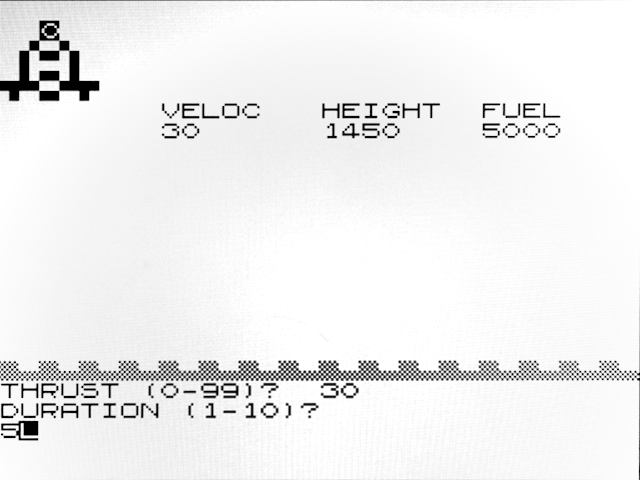
To use: LOAD 4, RUN |
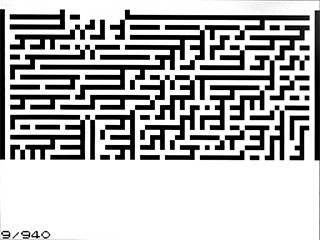
13) MAZE
GENERATOR (360 B)
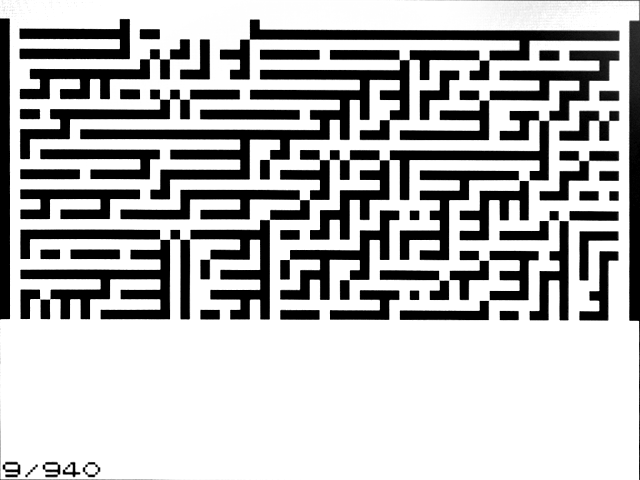
To use: LOAD 4, RUN 600 |
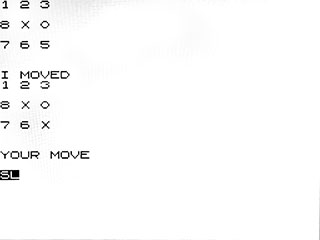
14) TIC-TAC-TOE (618 B)
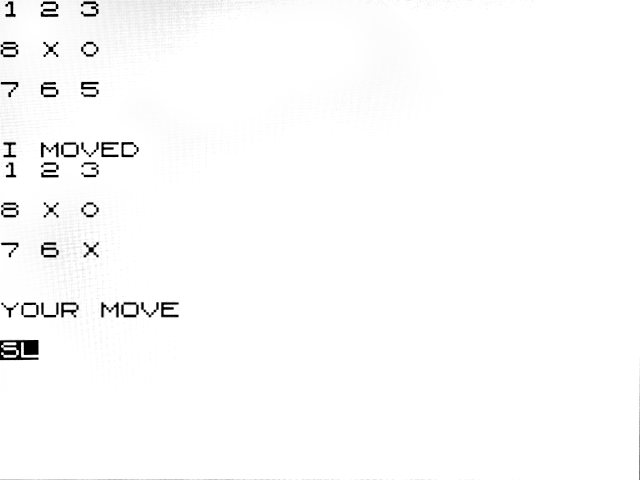
To use: LOAD 5, RUN |
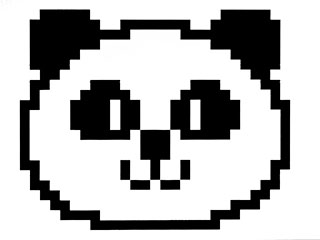
15) DRAWING (403 B)
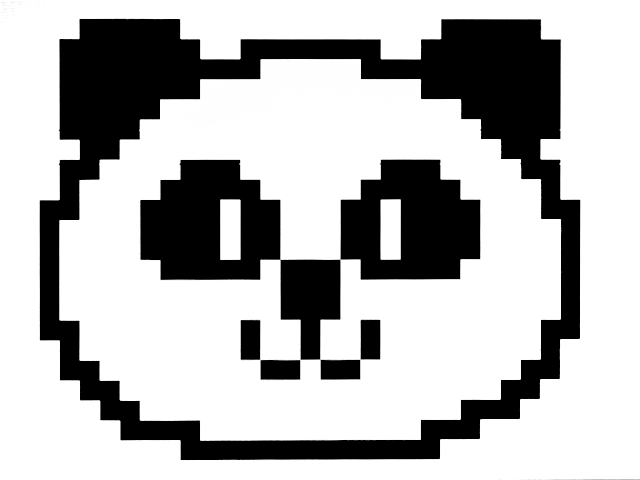
To use: LOAD 5, RUN 700 |
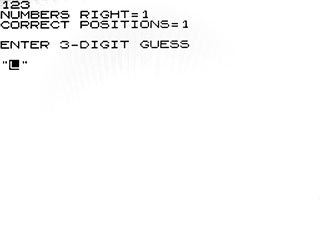
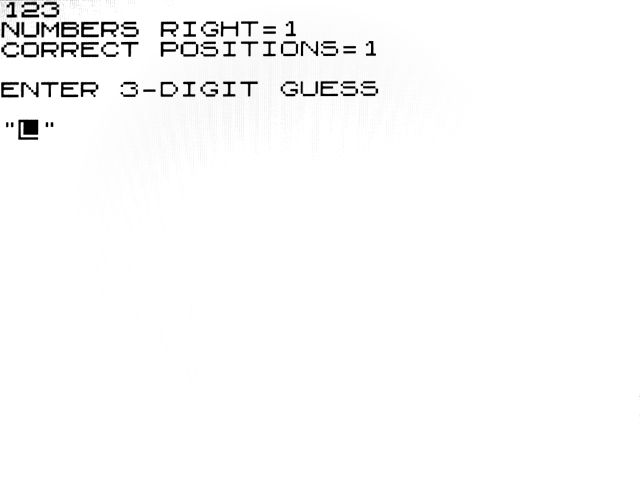
16) MASTERMIND (442 B)
To use: LOAD 6, RUN |
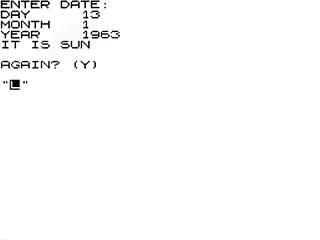
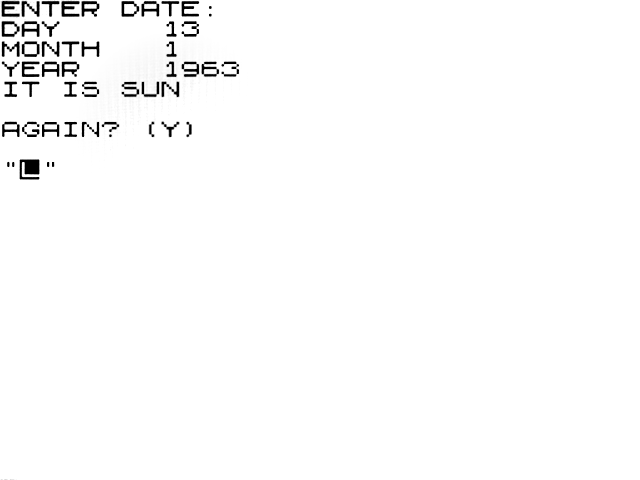
17) DAY
OF WEEK (457 B)
To use: LOAD 6, RUN 500 |
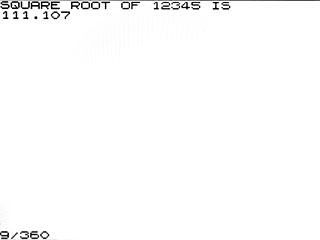
18) SQUARE
ROOT (425 B)
To use: LOAD 7, RUN |
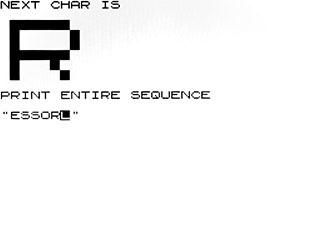
19) SIMPLE
SIMON (443 B)
To use: LOAD 7, RUN 400 |

20) KING
HAMMURABI (831 B)
To use: LOAD 8, RUN |
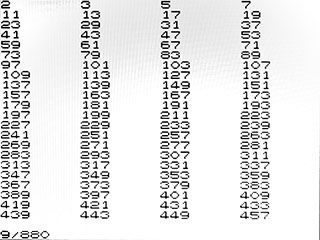
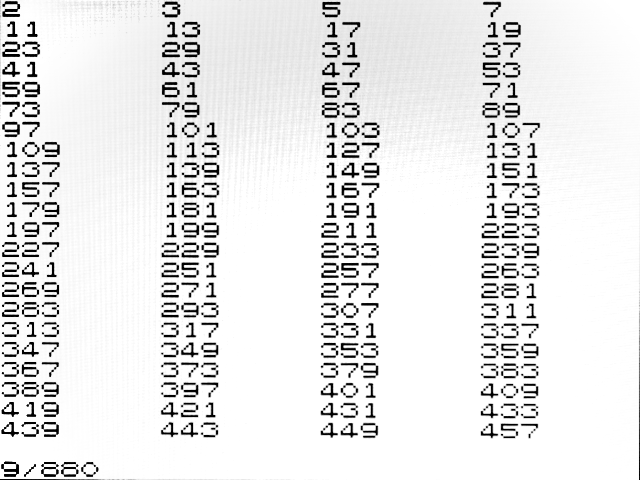
21) PRIME
NUMBERS (169 B)
To use: LOAD 8, RUN 700 |
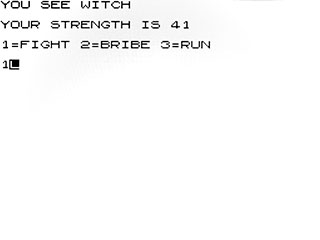
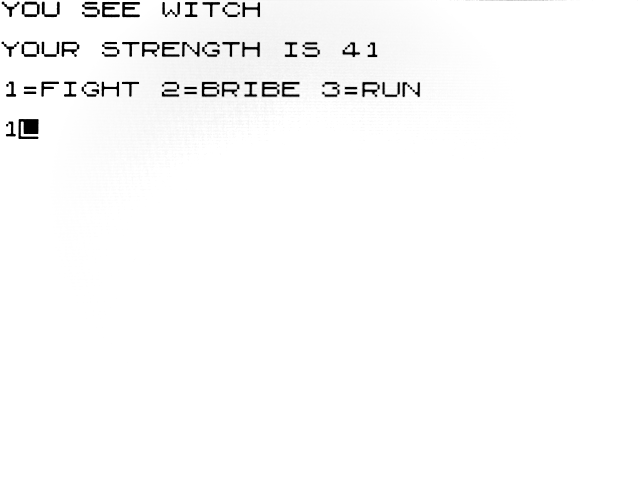
22) CASTLE
DOORS (1018 B)
To use: LOAD 9, RUN |
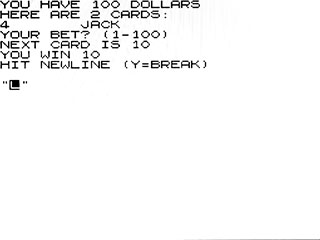
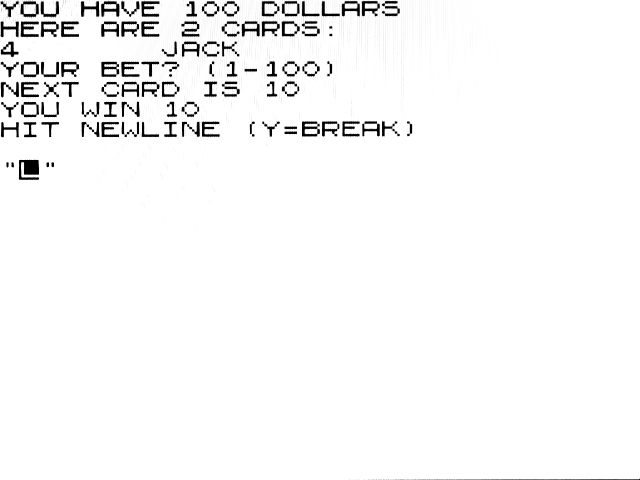
23) ACEY
DEUCEY (In-Between) (644 B)
Player wins if third card lies between two cards.
To use: LOAD 10, RUN |
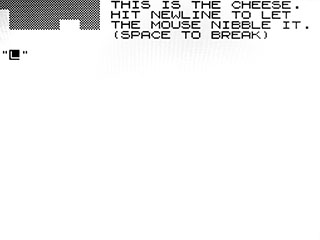
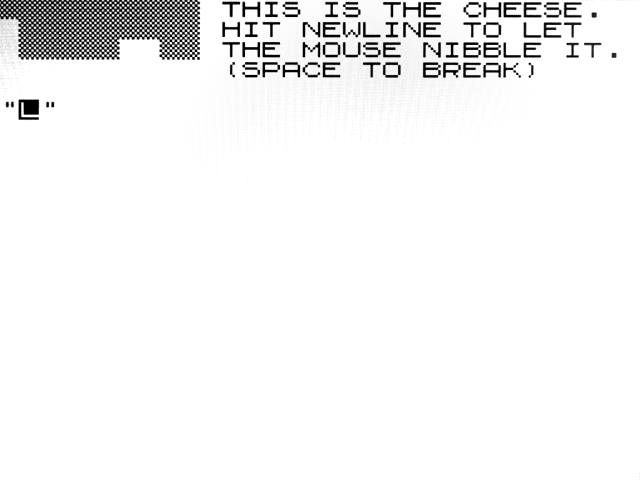
24) CHEESE
NIBBLER (312 B)
To use: LOAD 10, RUN 600 |
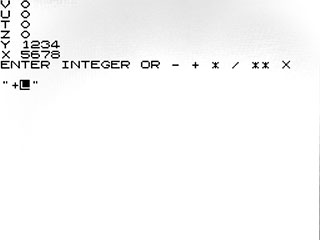
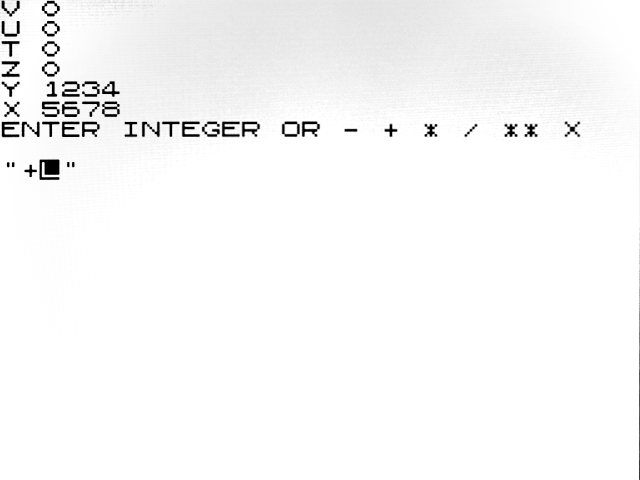
25) RPN
CALCULATOR (734 B)
To use: LOAD 11, RUN |
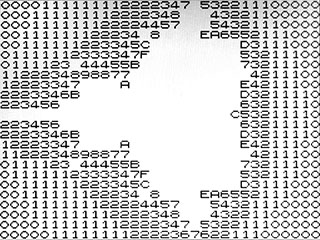
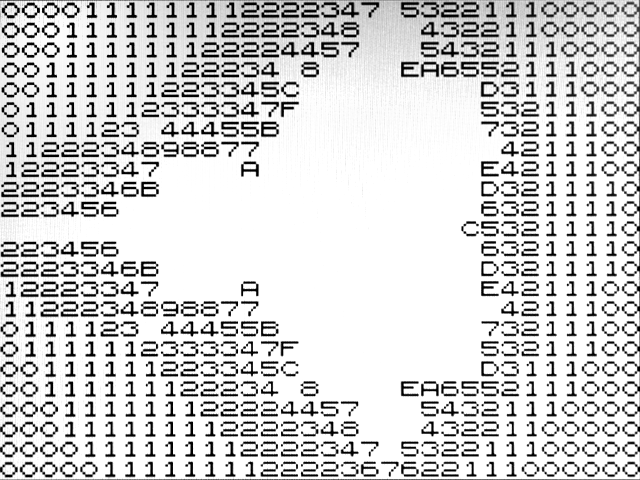
26) HEX
MANDELBROT (285 B)
To use: LOAD 11, RUN 700 |
27) FLAPPY'S
SONG (922 B)
To use: LOAD 12, RUN |
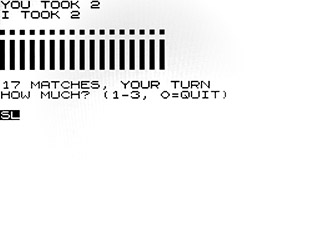
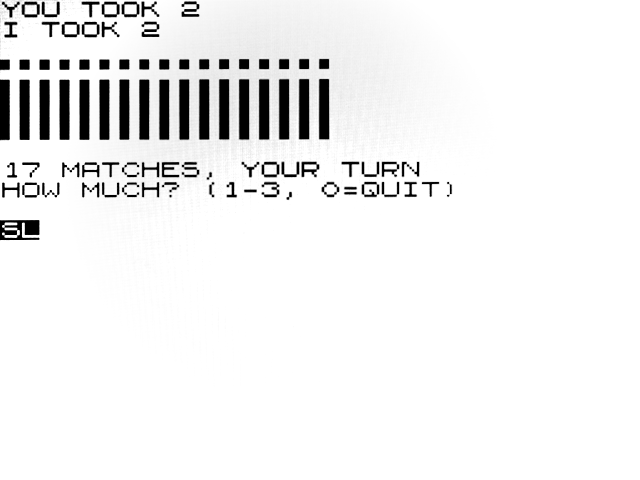
28) MATCHES (499 B)
To use: LOAD 13, RUN
|
Downloads
Download resources
for WCH80 BabyPC. The resources are
also part of the CH32LibSDK library.
In the folders you will find:
- !Babypc ... binary firmware files for
CPU1 and CPU2, BASIC80 and games
- _devices ... source codes for the
WCH80 device library, schematics (Eagle), graphic
documentation
- Babypc ... source codes for firmware
for CPU1 and CPU2, BASIC80 and games
Miroslav Nemecek
<< Back